Browser-local beta
Resize image
Set exact pixel dimensions for a JPEG, PNG, or WebP image. Keep its proportions or deliberately unlock them.
Static JPEG, PNG, WebP · up to 25 MiB · 8192 px per edge · 16 MP. Animated images are not supported.
How to use
- Choose an image and inspect its original dimensions.
- Enter the width or height. The other dimension follows while aspect ratio is locked.
- Choose a format, export, and download the resized image.
Worked example
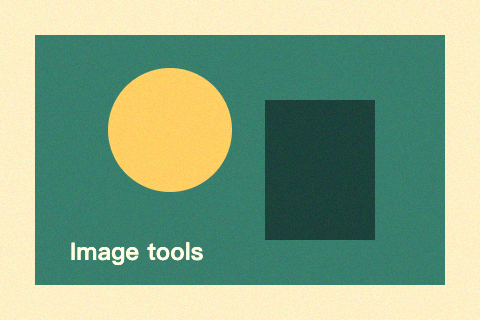
The 480 × 320 PNG is resized to 120 × 80 with its aspect ratio locked. The output contains fewer pixels without stretching.
Common questions
Can resizing recover missing detail?
No. This tool resamples pixels; enlarging does not add original detail. Shrinking is usually better for web display and file size.
What output sizes are allowed?
Use positive whole-pixel dimensions, at most 8192 on either edge and 16 million pixels total. The same limits protect input decoding.