Browser-local beta
Compress image
Reduce JPEG, PNG, or WebP file size with a quality setting you control. Compare the actual size before downloading.
Static JPEG, PNG, WebP · up to 25 MiB · 8192 px per edge · 16 MP. Animated images are not supported.
How to use
- Choose a static image from your device.
- Choose an output format and quality. PNG is lossless, so its quality setting does not change encoding.
- Export and compare bytes. If there is no reduction, the original is kept.
Worked example
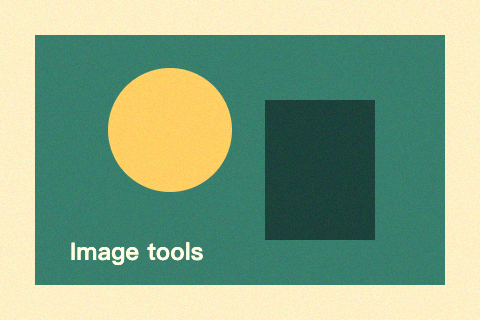
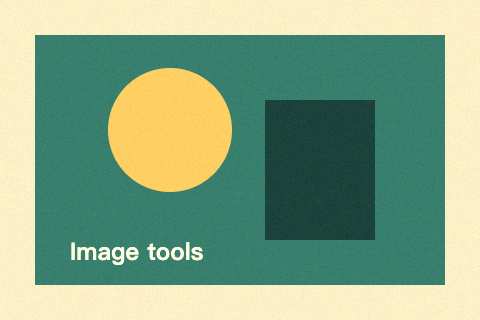
This 480 × 320 PNG is exported as JPEG at quality 55. Compare the previews and actual file sizes; lower quality trades detail for fewer bytes.
Common questions
Will every image become smaller?
No. Already optimized images and small PNGs may not improve. We report no reduction and keep the original rather than offer a larger compressed file.
Does compression keep transparency?
PNG and WebP keep transparent pixels. JPEG needs an explicit white or black background when the source is transparent. Canvas re-encoding removes source metadata.