Browser-local beta
Convert image format
Convert static images between JPEG, PNG, and WebP. Choose how transparent pixels should look before exporting JPEG.
Static JPEG, PNG, WebP · up to 25 MiB · 8192 px per edge · 16 MP. Animated images are not supported.
How to use
- Choose a valid static JPEG, PNG, or WebP image.
- Choose the destination format. For a transparent source and JPEG output, choose white or black.
- Export and download a file encoded in the chosen format.
Worked example
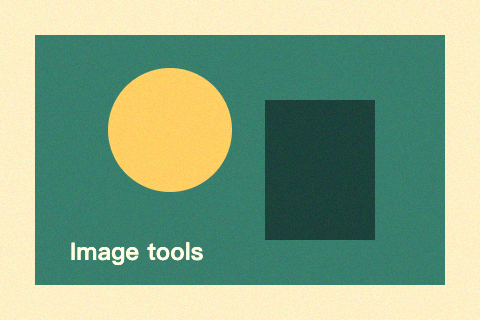
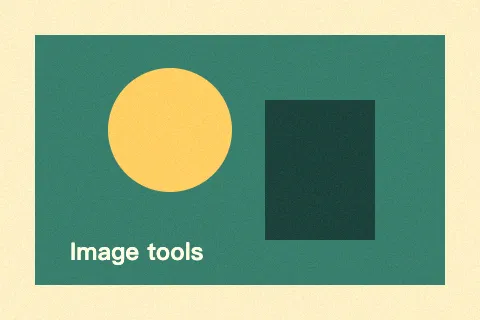
This 480 × 320 PNG is exported as WebP at quality 80. Its dimensions stay unchanged. For transparent images exported as JPEG, select a background explicitly.
Common questions
Does converting JPEG to PNG restore quality?
No. PNG avoids further lossy compression, but it cannot recover detail that was already lost. The file may become larger.
Are GIF, HEIC, SVG, or animated images supported?
No. This version supports static JPEG, PNG, and WebP only. Animation is rejected explicitly; Canvas output also removes original metadata and may normalize color profiles.