Nano Banana vs GPT Image 2: Which AI Image Generator Model Should You Use?
A practical comparison of Nano Banana and GPT Image 2 for text-to-image and image-to-image generation — style, resolution, cost, and when to pick each model.
 BananaImage Team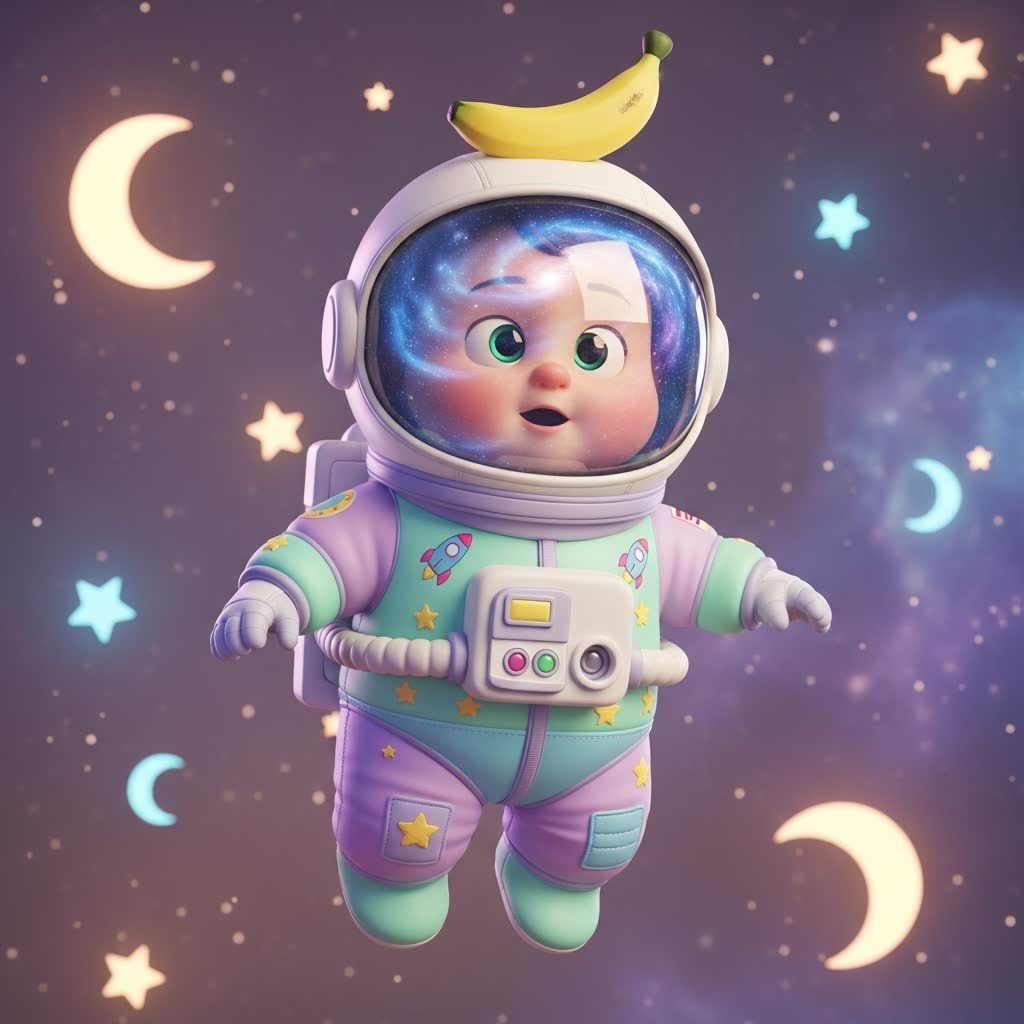
BananaImage gives you two AI image generation models — Nano Banana and GPT Image 2 — for both text-to-image and image-to-image workflows. Because the exact credit cost is shown before you submit, you can experiment freely. But which model should you reach for first? This guide breaks down the differences so you spend credits on the right tool for each job.
The short answer
- Nano Banana — fast, stylized, and great for iterative idea exploration, characters, and playful scenes.
- GPT Image 2 — strong at literal prompt following, clean product-style shots, and images that need accurate text or fine layout control.
Neither is "better" in absolute terms. The best AI image generator model is the one that matches your prompt's intent — so let's look at each dimension.
Text-to-image style
For pure text-to-image generation, the two models have distinct personalities. Nano Banana tends to produce richer, more stylized results out of the box — cinematic lighting, illustrated looks, and character-driven scenes often need less prompt engineering. GPT Image 2 leans literal: it follows detailed instructions closely, which makes it a strong pick when your prompt reads like a spec sheet (specific objects, positions, colors, and composition).
A practical workflow: draft with Nano Banana to explore the creative space, then switch to GPT Image 2 when you know exactly what you want and need the AI image tool to follow instructions to the letter.
Image-to-image editing
Both models support image-to-image generation — upload a reference photo, add a prompt, and the model blends the two into a new image. Use image-to-image when you want to restyle a photo, explore variations of a design, or keep a subject consistent while changing the scene around it.
If your reference image has structure you must preserve (a product shape, a pose, a logo placement), test both models with the same prompt and compare — adherence to the reference is prompt-dependent, and the gallery keeps every attempt so you can pick the winner.
Resolution and output options
Where the selected model and aspect ratio support it, BananaImage offers 1K, 2K, and 4K output. Higher resolutions cost more credits and take longer, so a good habit is: iterate at 1K until the composition is right, then re-generate the final pick at 2K or 4K.
Credits and cost
Every generation shows its exact credit cost before you submit — no surprises. Subscription credits refresh each billing period, and failed generations are automatically refunded. That makes A/B testing the two models cheap: run the same prompt through both, keep the better result, and let the failed-task refund cover the experiments that go wrong.
When to use which
Pick Nano Banana when:
- You want stylized, artistic, or character-focused images
- You're brainstorming and want fast, varied drafts
- Your prompt is short and mood-driven
Pick GPT Image 2 when:
- Your prompt is detailed and literal ("a ceramic mug, left of center, on beige linen, soft shadow")
- You need clean, product-photography-style output
- Layout precision matters more than artistic flair
Try both — they're one click apart
On BananaImage the model switcher sits right in the composer, so comparing Nano Banana and GPT Image 2 takes seconds. Open the AI image generator, write one prompt, run it through both models, and see the difference for yourself. No credit card is required to create an account.